Tap, do not type
The first four steps are buttons. The only typing is a postcode and a number at the end.
Five taps, no typing until the end, and the job scoped before your phone even buzzes. Try the real thing further down this page.
It is a five step form that replaces the contact box. Five taps, no typing until the end, and the job scoped before your phone buzzes. It asks what you would ask on the phone, one screen at a time, and photos come with it. The lead lands on your phone and in your inbox. Try the real one on this page.
A contact form asks for a name, an email and a message, then leaves you to work out what the job is. Half the people who land on it will not bother.
The tool asks what you would ask on the phone, in the same order, one screen at a time. Tapping beats typing, so people finish it.
The first four steps are buttons. The only typing is a postcode and a number at the end.
Drainage asks about blocked drains, surveys and septic tanks. Paving asks about square metres, access and the base.
One optional step adds photos from their phone. A shot of the standing water beats three paragraphs.
The questions do not only describe the job. They let the wrong ones fall away before they become a call at seven in the evening.
Every one of these is a call you would otherwise have taken and lost.
A lead in an inbox you check twice a week is a lost job, so it goes where you look. It goes to your WhatsApp within seconds, with an email as the record.
Every answer comes with it: service, urgency, property, postcode, photos, name and number. You can read it at a set of lights and ring back knowing what you are walking into. If you are on the tools all day we can hold the quotes for a morning and evening digest and push only the emergencies straight through.
It is tested before your site goes live. We send a test lead and watch it arrive on your phone.
Try it as your customer would, then see what lands in your inbox.
Tap the closest match.
An honest answer helps with scheduling. Same day on emergencies.
Helps us work out the likely drain layout.
Optional. A shot of the standing water or the open chamber tells the engineer a lot.
Used only to scope the quote. Nothing is sent in this demo.
In a real build this lands in the engineer's inbox.
The engineer will reply within one working day. That is what your customer would see.
ReferenceNew lead in your inbox.
Nothing is sent here. It is a working demo of the tool we build into every site.
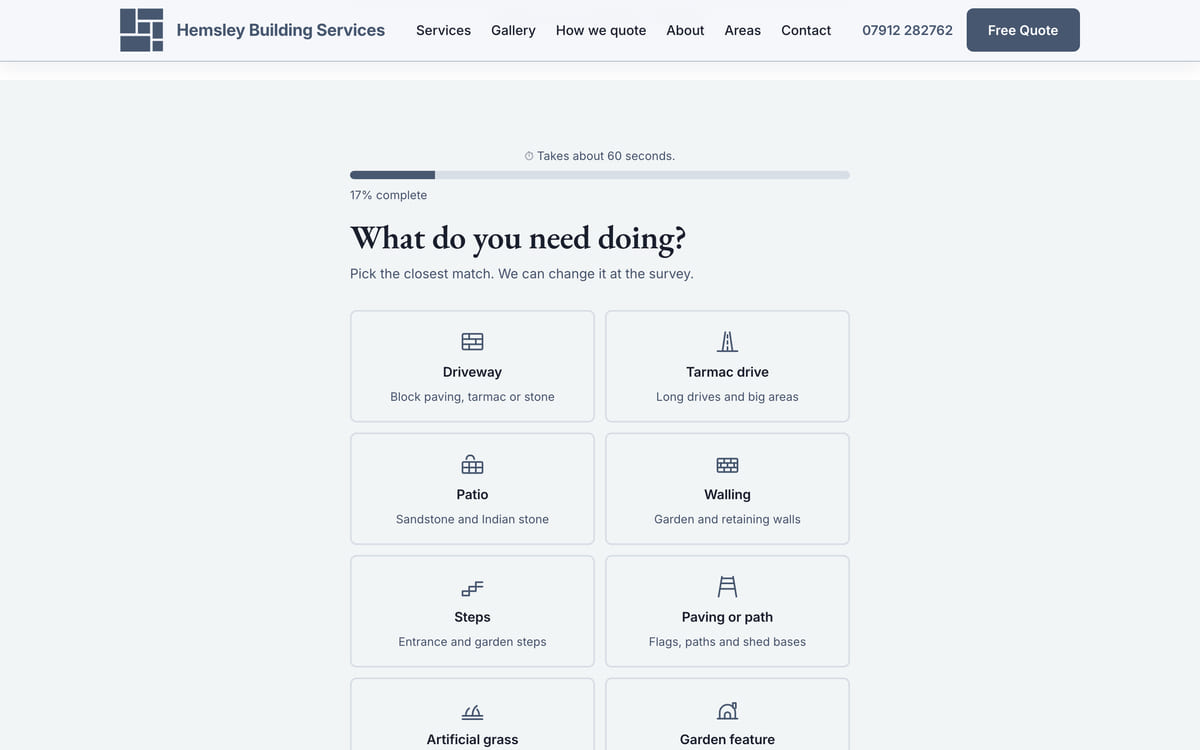
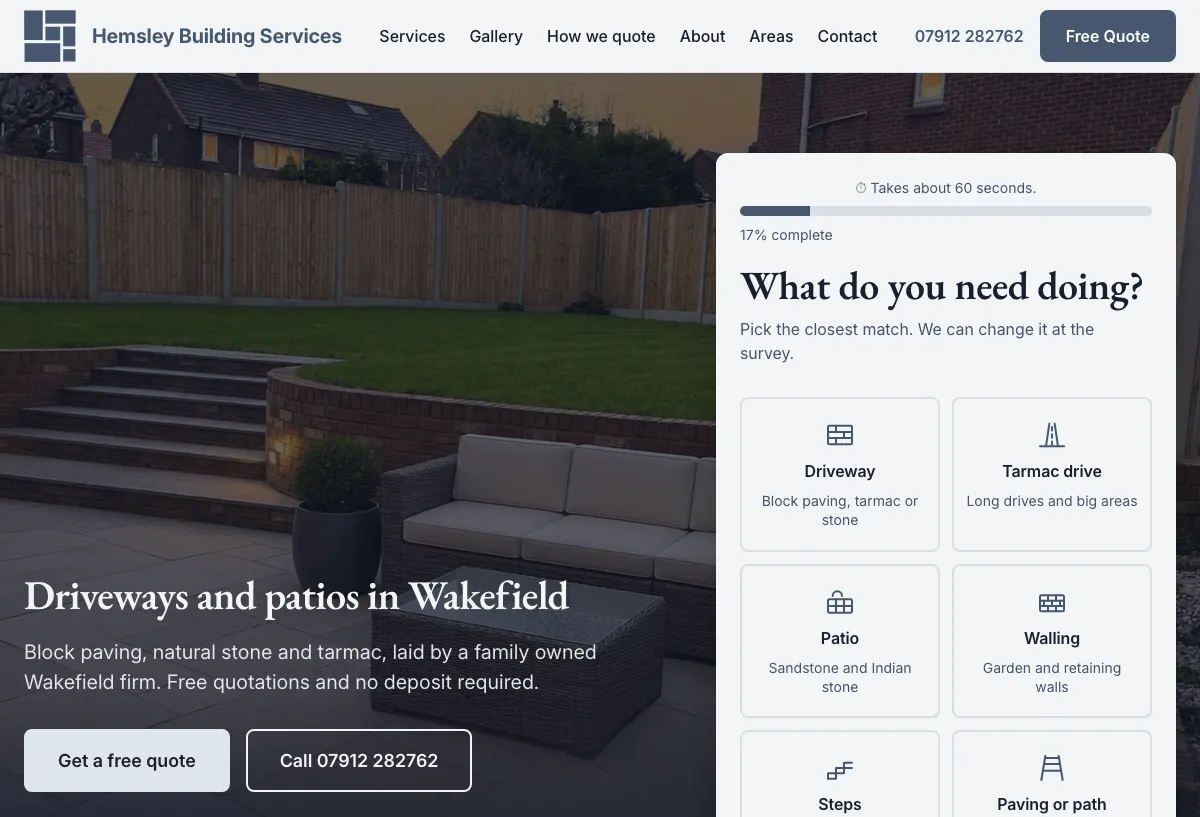
Live now
The version above is the real tool with sending switched off. This is the same thing on a live client site, where the lead does land in the owner’s inbox.
"Thank you so much for what you have done, you’ve definitely gone above and beyond."
No. It is part of the build on every site we do. No separate licence, nothing monthly for it at the sale.
They finish it because it does not feel like a form. Four screens of buttons, a postcode, then a name and number once they have already decided.
Yes. Drop a service or add one, tell us and we change the step. The care plan covers it, usually the same day.
It is plain code with no framework behind it, so it works on anything with a browser. We test on a real phone before go-live.
They come with the lead and are used to scope the quote, nothing else. Never sold, never put on the site unless the customer says yes.
We build the site with the tool wired up, send a test lead, then send you the link.
Our own homepage scored 99 out of 100 on Google’s mobile speed test on 15 September 2026. Run the test yourself.
Or read what is in the build.
We do not sell this on its own. It is part of a site built for one firm in its own area, with a page for every service and every town you cover. Pick your sector and see what the site looks like.
Tell us what you do and the work you want more of, and we send you the link.
WhatsApp: 07833 228973